
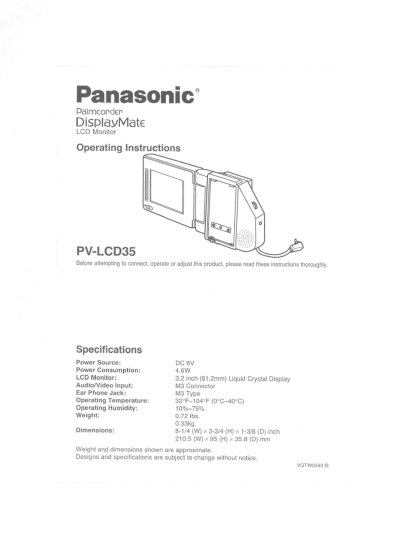
Panasonic PV-LCD35 LCD Monitor Operating Instructions


Panasonic PV-LCD35 LCD Monitor Operating Instructions - cover page
Brand
Panasonic
Category
Camcorders
Document type
User Manual
Language
English
Pages
8
File format
PDF
File size
494 KB
Published
09 August, 2012
Updated
29 August, 2012
MD5 checksum
562949583710F18FE8373F23F90A17F3

About this manual

This manual provides operating instructions for the Panasonic PV-LCD35 LCD Monitor, a 3.2-inch display designed for use with specific Panasonic and Quasar Compact VHS Palmcorder models. It details the specifications, including power requirements and dimensions, and explains how to attach and remove the monitor from the device.

What's inside

  • Specifications
  • Index of Controls
  • Using the LCD Monitor
  • Attach/Remove the LCD Monitor
  • Adjusting the Angle
  • Turn the LCD Monitor On/Off
  • Cassette Insertion/Removal
  • Warranty

Specifications

Display Size3.2 inch (81.2mm) Liquid Crystal Display
Power SourceDC 6V
Power Consumption4.6W
Weight0.72 Ibs. 0.33kg
Dimensions8-1/4 (W) x 3-3/4 (H) x 1-3/8 (D) inch

Frequently asked questions

How do I adjust the brightness of the screen?

Use the Bright Control to adjust the brightness, where the setting ranges from Dark to Bright.

What type of earphone is required?

An M3 type earphone is required, which is not supplied with the unit.

Download PDF (494 KB)

More Panasonic Manuals


View all Panasonic manuals →