
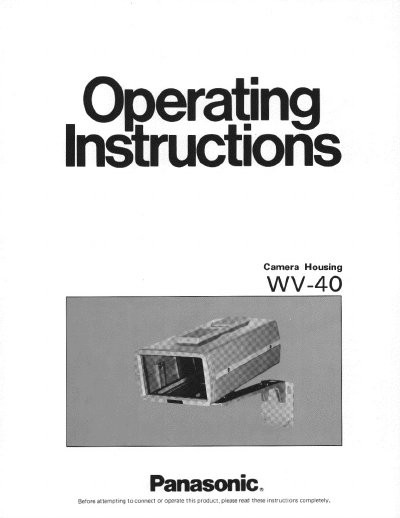
This document provides installation instructions for the Panasonic WV-40 camera housing. It details the steps for mounting the housing bracket to a wall, attaching the bottom plate, connecting the coaxial cable to the WV-CD110 camera, and securing the top cover. The guide also includes precautions regarding lens compatibility and cleaning.
| Adjustable Angle (Panning) | 180° |
|---|---|
| Adjustable Angle (Tilting Up) | 60° |
| Adjustable Angle (Tilting Down) | 60° |
| Dimensions | 5-15/16" (W) x 9-1/8" (H) x 13-5/16" (D) |
This camera housing is designed for the solid state color camera WV-CD110 only.
Yes, optional lenses of WV-LA6 and WV-LA12 can be used as automatic iris lenses.
The standard accessories include a camera fixing bolt with washer and housing mounting bracket fixing screws with washers.