
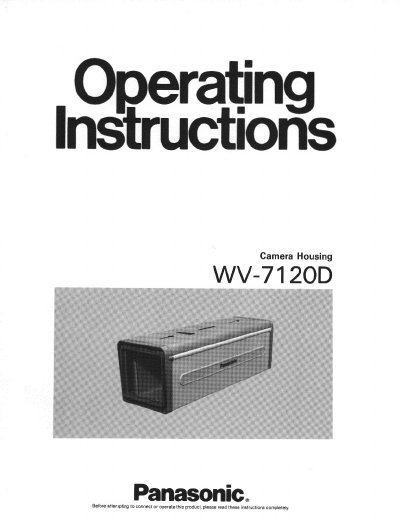
This document provides installation instructions for the Panasonic WV-7120D camera housing. It details the procedure for attaching the front and rear panels, mounting the camera, and connecting wiring. The guide includes specific precautions regarding compatible cameras and lenses to ensure proper operation.
| Products Housed | CCTV camera with fixed focal lens |
|---|---|
| Mounting | From top |
| Ambient Operating Humidity | Less than 90% |
| Dimensions | 5-5/16"(W) x 4-1/8"(H) x 14"(D) |
| Weight | Approx. 3 Ibs., 1.4 kg |
The recommended combination includes WV-140, WV-144, WV-1410, WV-1414, WV-1460, WV-1464, WV-1500, WV-14504, WV-1550, WV-1554, WV-CD20/24, WV-CD132, WV-BD400, WV-BD404, WV-BL200, WV-BL204, WV-CL300, WV-CL304, WV-BL600, WV-BL604, WV-CL700, WV-CL704, WV-BL90, and WV-CL110.
The WV-140 Series camera with the camera mounting plate should be set at the lower guide.