
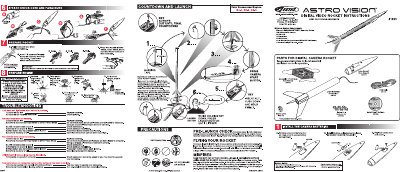
This manual provides instructions for the Estes 1899 Astrovision rocket, a digital video rocket designed to capture footage of liftoff and recovery. It details the preparation of the recovery system and engine, as well as the installation and operation of the camera nose cone.
| Assembled Length | 18" (460 mm) |
|---|---|
| Minimum RAM | 32 MB |
| Minimum Hard Disk Storage | 125 MB |
| Picture Memory Capacity | 18 pictures |
| Video Memory Capacity | 1 video |
Slide the camera mode switch UP to take video and DOWN to take pictures.
Wait until the LED stops blinking to launch for liftoff footage, or launch before it stops for recovery footage.
Changing the switch or turning it OFF before downloading will erase all video or pictures stored in the camera memory.