
This document is an operating instructions manual for the Panasonic digital camera model DMC-FX100. It provides information on the features and usage of the product.
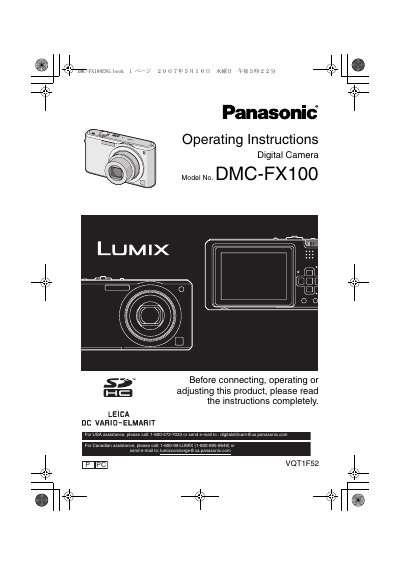
This document provides operating instructions for the Panasonic DMC-FX100 digital camera. It covers essential safety precautions, preparation steps such as inserting the battery and memory card, and basic camera handling. The guide details how to use the various shooting modes, including Simple Mode, Scene modes, and Motion Picture Mode, as well as how to utilize the optical and digital zoom functions.
| Memory Card Compatibility | SD Memory Card, SDHC Memory Card, MultiMediaCard |
|---|---|
| Power Supply | AC between 110 V and 240 V |
| Battery Type | Lithium ion battery |
The camera supports SD Memory Cards, SDHC Memory Cards, and MultiMediaCards.
No, a 4 GB Memory Card without an SDHC logo will not work in this product.
Turn the camera off and leave it for about 2 hours until the temperature equalizes.