
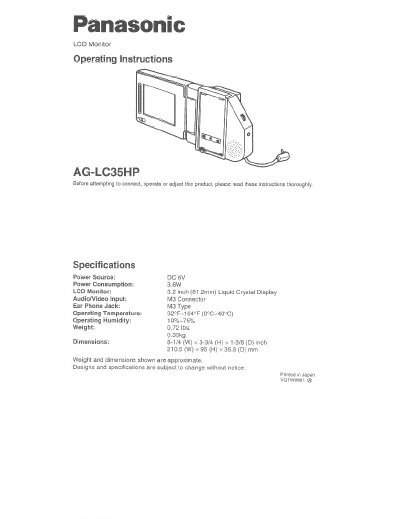
This manual provides operating instructions for the Panasonic AG-LC35HP LCD Monitor. It details the specifications, including a 3.2-inch liquid crystal display and M3 connector type, and lists compatible Panasonic video cassette players (AG-710P, AG-720P, AG-750P). The document explains how to connect the monitor using an optional car battery cord or RCA-Mini Trans Adaptor for audio/video input.
| Display Size | 3.2 inch (81.2mm) |
|---|---|
| Operating Temperature | 32°F-104°F (0°C-40°C) |
| Weight | 0.72 lbs. (0.33kg) |
| Dimensions | 8-1/4 (W) x 3-3/4 (H) x 1-3/8 (D) inch |
This unit is exclusively for use with the Panasonic HSI Video Cassette Player model AG-710P, WHS Video Cassette Recorder model AG-720P and Video Cassette Recorder model AG-750P.
An M3 type earphone is required, which is not supplied with the unit.
Yes, it can be used with an optional PV-C16 Car Battery Cord (12V-6V conversion cord) connected to the DC input connector.