
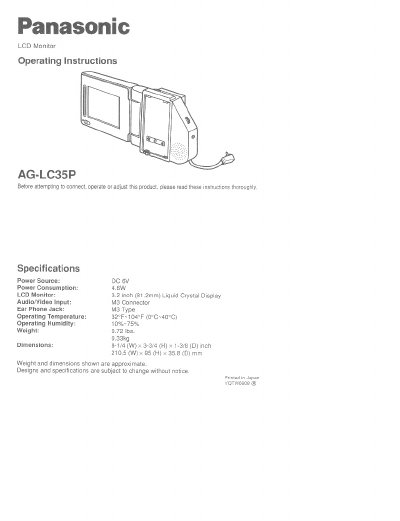
This document provides operating instructions for the Panasonic AG-LC35P Liquid Crystal Display (LCD) Monitor. It details the specifications, including a 3.2-inch display and M3 audio/video input, and describes the built-in speaker and volume control. The manual explains how to connect the unit to a vehicle's power source using an optional car battery cord and how to link audio/video devices via an RCA-Mini Trans Adaptor.
| Display Size | 3.2 inch (81.2mm) |
|---|---|
| Power Consumption | 4.6W |
| Audio/Video Input | M3 Connector |
| Operating Temperature | 0°C~40°C |
| Weight | 0.33kg |
It is exclusively for use with the Panasonic HSI Video Cassette Player model AG-710P, HHS Video Cassette Recorder model AG-720P and SSWHS! Video Cassette Recorder model AG-750P.
No, please do not use a battery pack to supply power to the LCD monitor as the battery pack might be over discharged.
The cord can only be used in vehicles equipped with DC 12V (negative ground) batteries.