
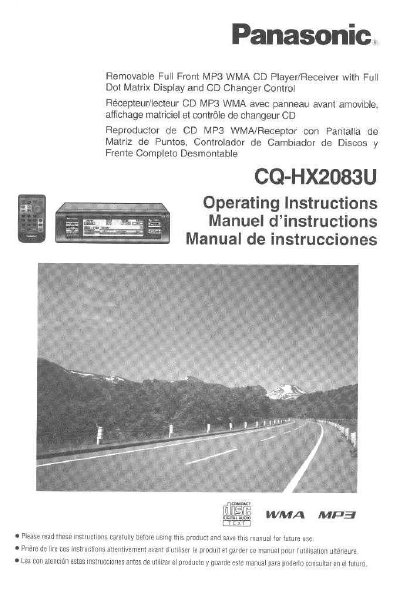
This manual provides operating instructions for the Panasonic CQ-HX2083U, a compact car audio unit featuring a removable full front panel, dot matrix display, and compatibility with MP3 and WMA formats. The device includes touch sensor controls on the main unit and a remote control unit for source selection and power management.
The document covers safety information, installation guidelines, and detailed operation procedures including power on/off cycles, mode changes (CD, Radio, AUX-IN), and menu settings. It also details features such as the demonstration display, security shutters, and specific playback specifications for CD, MP3, and WMA media.
| Display Type | Full Dot Matrix Display |
|---|---|
| Power Supply | 12 V DC, negative ground battery system |
| CD Sampling Rate | Super sampling of 8 times |
| Laser Wavelength | 780 nm |
| Signal-to-Noise Ratio | 95 dB |
| MP3 Bitrate Range | MPEG 1 audio layer 3: 32 k—320 kbps |
| WMA Bitrate Range | 64 kbps—192 kbps |
Yes, you can remove the entire front panel and take it with you when leaving your car for security.
The preset memory is cleared to return to the original factory setting.
Yes, it supports CD-R/RW playback as well as MP3 and WMA playback.