
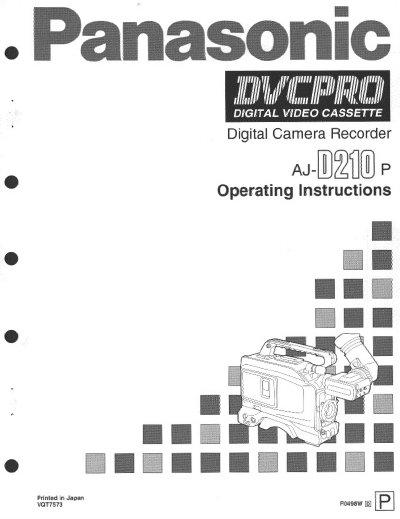
This manual provides operating instructions for the Panasonic AJ-D210P Digital Camera Recorder. It details precautions for use, system features including interchangeable lenses and viewfinder displays, and preparations such as attaching peripheral units like microphones and battery packs.
The guide covers adjustments during shooting, including camera movements, exposure, zooming, white balance, and audio recording. It also includes sections on playback, menu settings, troubleshooting common issues like condensation or picture roughness, and maintenance procedures for cleaning heads and lenses.
| Supported Tape Size | "L" size DVC PRO tapes only |
|---|---|
| Operating Temperature Range | 32°F to 104°F (0°C to +40°C) |
| Lens Type | 1/3-inch interchangeable lenses |
The unit supports "L" size DVC PRO tapes only and should not be used with consumer DV tapes.
The product operates across a temperature range of 32°F to 104°F (0°C to +40°C).
Increasing the gain brightens the picture but also increases the amount of noise.