
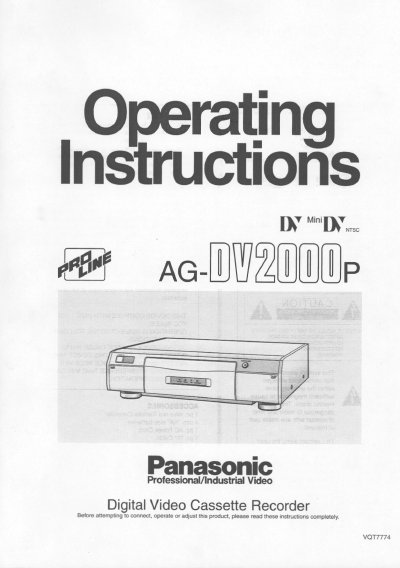
Panasonic AG-DV2000 Digital Video Cassette Recorder Operating Instructions


Panasonic AG-DV2000 Digital Video Cassette Recorder Operating Instructions - cover page
Brand
Panasonic
Category
Video Player
Document type
User Manual
Language
English
Pages
80
File format
PDF
File size
3.5 MB
Published
09 August, 2012
Updated
17 August, 2012
MD5 checksum
08B68D1192DF4B8D6ABD5E9073014FEC

About this manual

This manual provides operating instructions for the Panasonic AG-DV2000 Digital Video Cassette Recorder. It details the functions of the control panel and connection sockets, including inputs for DV, S-Video, and standard AV signals, as well as outputs for monitoring and recording. The document explains how to use the included accessories such as the infra-red remote controller and editing controller cable.

What's inside

  • Controls and Connection Sockets
  • Infra-red Remote Controller
  • Editing Controller
  • Remote Controller Setup
  • Editing Controller Setup
  • Connections
  • Inserting the Cassette
  • Playback
  • Other Playback Functions
  • Manual Recording

Specifications

Product TypeDigital Video Cassette Recorder

Frequently asked questions

What is the purpose of the EDIT socket?

By connecting a movie camera or VCR with an EDIT socket to this socket via an Edit cable, various kinds of editing functions can be performed more quickly and efficiently between two VCRs or between a VCR and a movie camera.

How do I select the audio track on a tape recorded in 12bit audio mode?

Press the STEREO SELECT button to cycle through STEREO2, STEREO1, and MIX (STEREO1+STEREO2) during playback.

Download PDF (3.5 MB)

More Panasonic Manuals


View all Panasonic manuals →