
MicroXplorer is a free software from ST to configure the pinout of an ST MCU very easily by selecting the peripherals needed for the application.
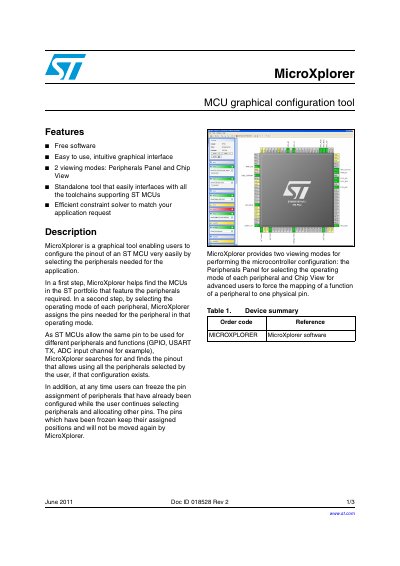
MicroXplorer is a standalone software tool designed to help users easily configure the pinout of ST microcontrollers (MCUs). It features an intuitive graphical interface with two viewing modes: Peripherals Panel for selecting peripheral operating modes, and Chip View for advanced users to force specific function-to-pin mappings. The tool utilizes an efficient constraint solver to find valid configurations where a single pin might be required by multiple peripherals.
It is a graphical tool that enables users to configure the pinout of an ST MCU by selecting the peripherals needed for the application.
After finding suitable MCUs, the tool assigns the pins needed for each peripheral based on the operating mode selected by the user.
Frozen pins keep their assigned positions and will not be moved again by MicroXplorer while other peripherals are being configured.