
STM Studio is a debugging tool for STM8 and STM32 series MCUs from STMicroelectronics. It can read MCU's RAM data in real-time and provide two types of views: waveform view and TouchPoint view.
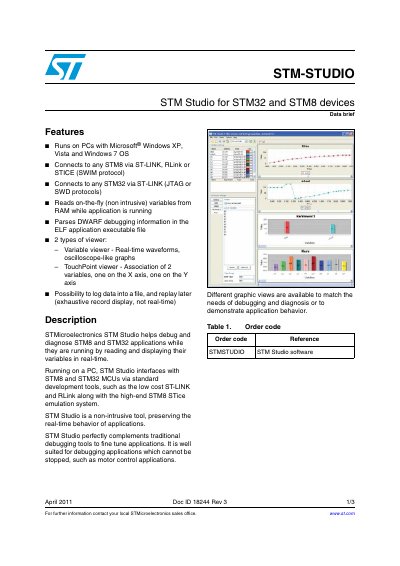
STM-STUDIO is a software tool designed to help debug and diagnose STM8 and STM32 applications while they are running. It interfaces with these microcontrollers via standard development tools such as ST-LINK, RLink, and the STM8 STICE emulation system. The tool is non-intrusive, meaning it preserves the real-time behavior of applications, making it suitable for debugging scenarios where the application cannot be stopped, such as motor control.
The software runs on PCs with Microsoft Windows XP, Vista, and Windows 7.
It connects to any STM8 via ST-LINK, RLink, or STICE using the SWIM protocol.
STM Studio connects to any STM32 via ST-LINK using JTAG or SWD protocols.