
This data brief introduces the features of ST Visual Develop (STVD), a comprehensive integrated development environment (IDE) for developing embedded applications based on ST microcontrollers. STVD integrates various features to help developers effectively build, debug and program applications.
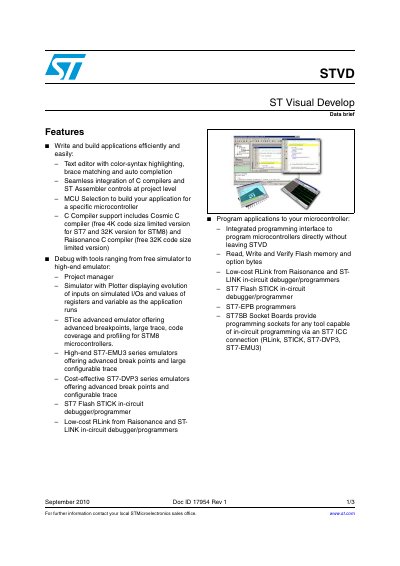
ST Visual Develop (STVD) is an easy-to-use environment for controlling application development for ST microcontrollers. It allows users to build applications efficiently using text editors with syntax highlighting and integrates C compilers and assemblers at the project level. The tool supports MCU selection for specific microcontrollers and includes support for Cosmic C and Raisonance C compilers.
For debugging, STVD offers a range of tools from free simulators to high-end emulators. It features a project manager, a simulator with a plotter for monitoring inputs and registers, and various hardware tools like the STice emulator, ST7-EMUS series, ST7-DVP3 series, ST7 Flash STICK, RLink, and ST-LINK. The software also provides an integrated programming interface to program microcontrollers directly, read, write, and verify Flash memory and option options.
ST Visual Develop provides an easy-to-use, efficient environment for start-to-finish control of application development.
The toolset includes ST Visual Develop, the ST Visual Programmer programming interface, and the ST Assembler Linker.
Users can use an integrated programming interface to read, write, and verify Flash memory directly within STVD.