
This document describes the features and characteristics of the expandable digital cordless answering system Model No. KX-TG6440, including the base unit, four handsets, and other accessories and controls.
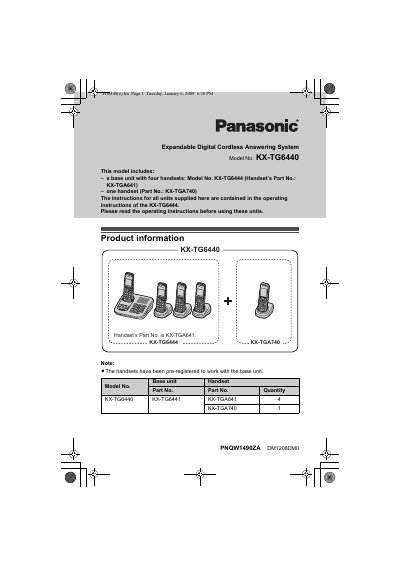
This document provides operating instructions for the Panasonic KX-TG6440 Expandable Digital Cordless Answering System. It details the components included in the kit, such as the base unit with four handsets and one additional handset, and refers users to the main operating instructions for the base unit (KX-TG6444) for general controls.
The manual specifically focuses on the features and operational differences of the KX-TGA740 handset included in the set. It explains how to use the joystick navigator, soft keys, and display modes (Single vs. Multi items) to manage lists, edit phone numbers, and play back messages.
| Included Handsets | Base unit with four handsets (KX-TGA641) and one handset (KX-TGA740) |
|---|---|
| Handset Display Size | 2.1 inches |
The KX-TGA740 has a 2.1-inch display and a joystick navigator key, whereas the KX-TGA641 has a 1.8-inch display and lacks the joystick.
Press the right soft key shown when viewing lists or selecting menu icons to select [MULTI], or set it permanently via the menu.
Select the desired item from the message list and press [PLAY].