
Panasonic KX-TGP500/KX-TGP550 SIP Cordless Phone User Guide

KX-TGP500/550 Cordless Phone User Guide, introduces the product's features and usage methods.
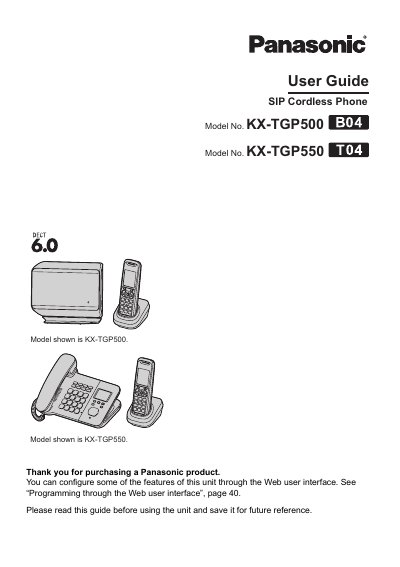

Panasonic KX-TGP500/KX-TGP550 SIP Cordless Phone User Guide - cover page
Brand
Panasonic
Category
Telephone
Document type
User Manual
Language
English
Pages
64
File format
PDF
File size
2.1 MB
Published
06 August, 2012
Updated
01 October, 2023
MD5 checksum
B300B020BD5787615868DD793A35CB0D

About this manual

This document is a user guide for the Panasonic KX-TGP500 and KX-TGP550 series of SIP cordless phones. It provides instructions on using the handset and base unit controls, making and answering calls, managing the phonebook, and utilizing features like speakerphone, hold, transfer, and conference calling.

What's inside

  • Introduction
  • Getting Started
  • Making and Answering Calls
  • Phonebook Management
  • Programming Settings
  • Special Features
  • Intercom Features
  • Troubleshooting

Frequently asked questions

Can I expand my phone system with optional handsets?

Yes, you can register up to 5 optional handsets (6 max.) to a single base unit.

What does the flashing green STATUS indicator mean?

It indicates that the base unit is downloading data and you should not disconnect the Ethernet cable or AC adaptor.

How do I adjust the receiver volume while talking?

Press the joystick repeatedly up or down to adjust the receiver or speaker volume.

Download PDF (2.1 MB)

More Panasonic Manuals


View all Panasonic manuals →