
This document is the installation guide of KX-TGA641 wireless headset, which introduces how to register the headset, connect the headset, charge the headset, etc.
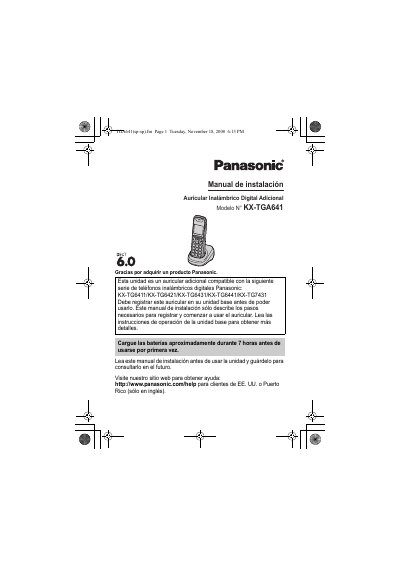
This manual provides instructions for registering and setting up the Panasonic KX-TGA641 additional digital cordless handset. It covers connecting the AC adapter, installing rechargeable Ni-MH batteries, and registering the handset to compatible Panasonic Digital Cordless Phone base units. The document also details how to change the display language and attach the belt clip or wall mount the charger.
| Power Input | 120 V AC, 60 Hz |
|---|---|
| Charging Time | about 7 hours |
| Compatible Base Units | KX-TG6411/KX-TG6421/KX-TG6431/KX-TG6441/KX-TG7431 |
You should charge the batteries for about 7 hours before initial use.
You must charge the batteries for about 7 hours before using the unit.
The system operates on 120 V AC at 60 Hz.