
Panasonic KX-TGA935 Additional Digital Cordless Handset Installation Manual

This document is an installation guide for KX-TGA935 wireless headset, which introduces how to register and use the headset.
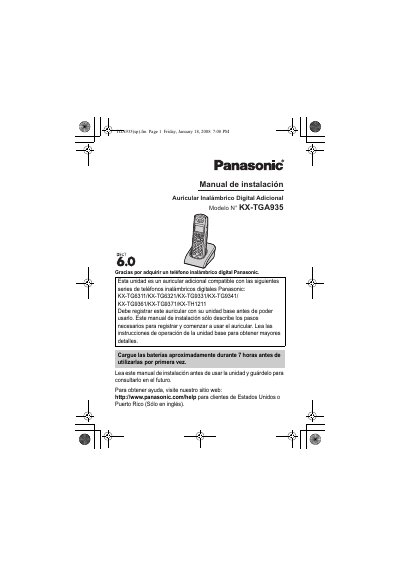

Panasonic KX-TGA935 Additional Digital Cordless Handset Installation Manual - cover page
Brand
Panasonic
Category
Telephone
Document type
Installation Guide
Language
English
Pages
11
File format
PDF
File size
982 KB
Published
06 August, 2012
Updated
30 September, 2023
MD5 checksum
CECEB1E9B3CEC93D9AF96B02DC5C1C44

About this manual

This document is an installation guide for the Panasonic KX-TGA935 additional digital cordless handset. It details the steps required to register the handset with compatible base units (such as the KX-TG6311 series) before use. The manual also instructs users on charging the Ni-MH batteries and initial setup.

What's inside

  • Supplied accessories
  • Connection
  • Battery installation and battery charge
  • Registering a handset to a base unit
  • Display language
  • Wall mounting
  • Belt clip
  • For your safety

Specifications

Battery TypeRechargeable Ni-MH batteries AAA (R03) size
Charging TimeAbout 7 hours before initial use

Frequently asked questions

Which base units is this handset compatible with?

This unit is compatible with Panasonic Digital Cordless Phones including the KX-TG6311, KX-TG6321, KX-TG9331, KX-TG9341, KX-TG9361, KX-TG9371, and KX-TH1211 series.

How long must the batteries be charged before first use?

You must charge the batteries for about 7 hours before initial use.

What type of rechargeable batteries are required for this handset?

The unit requires rechargeable Ni-MH batteries AAA (R03) size.

How long does the registration process take to complete?

The next step should be completed within 90 seconds.

Download PDF (982 KB)

More Panasonic Manuals


View all Panasonic manuals →