
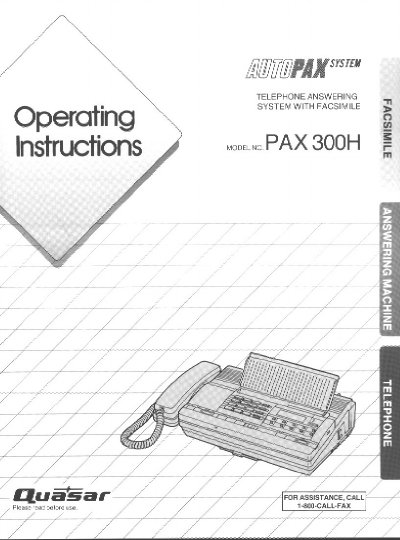
Quasar PAX 300H User Manual


Quasar PAX 300H User Manual - cover page
Brand
Quasar
Document type
User Manual
Language
English
Pages
54
File format
PDF
File size
1.6 MB
Published
06 August, 2012
Updated
06 August, 2012
MD5 checksum
5C5FFBDF540EEDEF5149D81B845FE481

About this manual

The Quasar PAX 300H is an integrated system that functions as a Facsimile Machine, Answering Machine, and Telephone utilizing a single line. It allows users to speak with callers or receive documents automatically without redialing. Key features include automatic document feeding for up to five pages, superb image quality with a 16-step HALF-TONE feature, and one-touch transmission.

What's inside

  • System Setup
  • Basic Operation
  • Automatic Document Reception
  • Detailed Operation
  • Voice Contact
  • Remote Location Operation
  • Making a Copy
  • Preparing the Answering Machine

Frequently asked questions

How many pages can be fed automatically?

The unit features an automatic document feeder capable of handling up to five pages at a time.

What is the maximum number of one-touch fax numbers?

The system supports 10 fax numbers for one-touch dialing.

How does the unit switch between telephone and facsimile?

With the automatic switching feature, you can switch functions without redialing by pushing the START/COPY button.

Download PDF (1.6 MB)

More Quasar Manuals


View all Quasar manuals →