
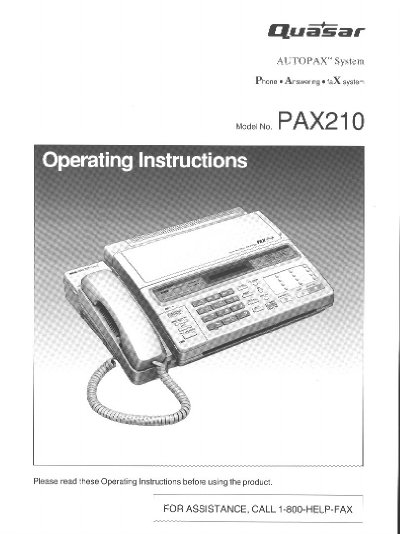
The Quasar PAX210 ALTOPAX System is a desktop multi-function unit that combines facsimile, answering device, and telephone capabilities. It features automatic voice/fax switching, a 12-station one-touch dialer, and a 28-station speed dialer. The system supports CCITT G3 transmission and includes a recordable greeting message chip.
| Resolution | standard/fine/super fine/halftone |
|---|---|
| Transmission Speed | 15-second transmission speed |
| Page Size | 216 mm x 600 mm |
| Halftones | 16-level halftones |
| Automatic Document Feeder | up to 10 pages |
| One-touch dialer | 12-station |
| Speed dialer | 28-station |
In ANS/FAX mode, if the unit detects a fax tone while playing the greeting message, it activates the fax function. If a voice is heard within 5 seconds after the beep, it functions as an answering device.
The Ringer Equivalence Number (REN) is 0.5B.
Yes, by selecting the TEL (Telephone) mode, the unit functions as a standard telephone.