
Panasonic TC-26LX60/TC-26LE60/TC-32LX60/TC-32LE60 LCD Television Operating Instructions

This document is a user manual of a Panasonic product.
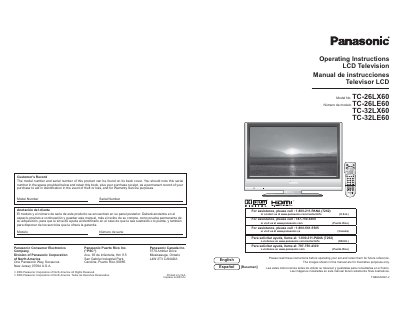

Panasonic TC-26LX60/TC-26LE60/TC-32LX60/TC-32LE60 LCD Television Operating Instructions - cover page
Brand
Panasonic
Category
Television
Document type
User Manual
Language
English
Pages
26
File format
PDF
File size
2.1 MB
Published
06 August, 2012
Updated
01 October, 2023
MD5 checksum
AC59641450D70BE9585EFED24D14C02A

About this manual

This document provides operating instructions for Panasonic TC-26LX60, TC-26LE60, TC-32LX60, and TC-32LE60 LCD televisions. It includes safety instructions, connection guides, and setup procedures for first-time users.

What's inside

  • Important Safety Instructions
  • Accessories/Option
  • Connection
  • Identifying Controls
  • First Time Setup
  • Watching TV
  • Watching Videos and DVDs
  • Input Labels/Closed Caption
  • How to Use Menu Functions
  • Channel Lock

Frequently asked questions

What is the minimum space required between the TV and the wall for ventilation?

You must leave at least 10 cm of space from the ventilation openings on the cabinet.

What should you do if the power cord is damaged or frayed?

You should unplug the TV and refer servicing to qualified service personnel.

Where can the model number and serial number be found on the television?

The model number and serial number are located on the back cover of the product.

Download PDF (2.1 MB)

More Panasonic Manuals


View all Panasonic manuals →