
STMicroelectronics AN2119 Getting Started with uClinux for STR71x Application Note

This application note provides guidance for using uClinux on STR71x series microcontrollers
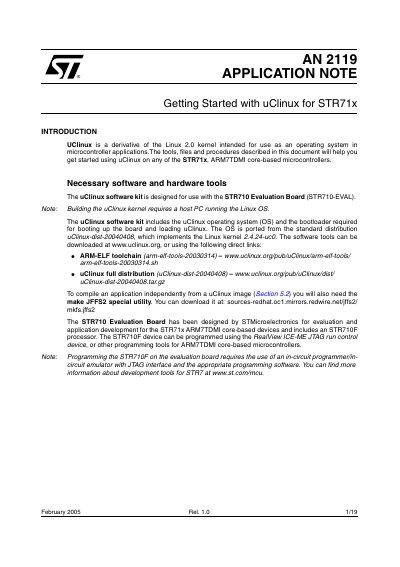

STMicroelectronics AN2119 Getting Started with uClinux for STR71x Application Note - cover page
Brand
STMicroelectronics
Document type
Application Note
Language
English
Pages
19
File format
PDF
File size
929 KB
Published
06 August, 2012
Updated
30 September, 2023
Model
STR71x
MD5 checksum
1FBB8AB543ED2882A5619C4D64AA9CDA

About this manual

This document serves as a guide for developers to get started using the uClinux operating system on ARM7TDMI core-based STR71x microcontrollers. It outlines the necessary software tools, including the arm-elf toolchain and specific uClinux distributions required for development.

The application note details step-by-step procedures for installing these tools on a host PC running Linux, configuring and building the kernel image, and using the bootloader to load the system onto an STR710 Evaluation Board via JTAG and serial interfaces.

What's inside

  • Introduction
  • Necessary software and hardware tools
  • Install the arm-elf toolchain
  • Install the uClinux distribution
  • Patch the uClinux distribution for STR710
  • Build the uClinux kernel
  • Configure the uClinux kernel
  • Use the bootloader
  • Load the bootloader to the STR710-EVAL board

Specifications

Library versionuClibc

Frequently asked questions

What host OS is required to build the uClinux kernel?

Building the uClinux kernel requires a host PC running the Linux OS.

Which programming tool is recommended for the STR710F?

The STR710F device can be programmed using the RealView ICE-ME JTAG run control device.

Download PDF (929 KB)

More STMicroelectronics Manuals


View all STMicroelectronics manuals →