
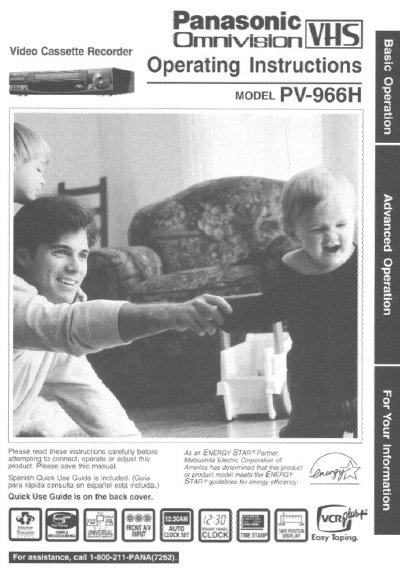
Ornicien PV-966H Video Cassette Recorder Operating Instructions


Ornicien PV-966H Video Cassette Recorder Operating Instructions - cover page
Brand
Panasonic
Category
Player
Document type
User Manual
Language
English
Pages
45
File format
PDF
File size
1.9 MB
Published
06 August, 2012
Updated
30 August, 2012
MD5 checksum
F84F4668CE6542EE68AF53C31386147D

About this manual

This manual provides operating instructions for the Ornicien PV-966H Video Cassette Recorder. It covers essential topics including installation, basic connections, and one-time setup procedures such as language selection and clock setting.

The guide details various tape operation features, including slow motion, still pictures, frame-by-frame playback, and the VHS Index Search System. It also explains advanced functions like timer recording, the VCR Plus+ system, and copying tapes (dubbing).

What's inside

  • Important Safeguards and Precautions
  • Basic Connections
  • One Time VCR Setup
  • Playback a Tape
  • Record On a Tape
  • Timer Recording
  • VCR Plus+ System
  • Tape Operation
  • Copying Your Tapes
  • Special VCR Features

Frequently asked questions

What should I do if a remote control button does not work?

Press the VCR button on the remote and then try pressing the unresponsive button again.

How should I clean the exterior of this unit?

Unplug the unit and gently wipe it with a clean, dry, chemically untreated cloth.

What must be done before requesting service for this product?

Unplug the unit and contact a qualified service technician rather than attempting to open or remove covers.

Download PDF (1.9 MB)

More Panasonic Manuals


View all Panasonic manuals →