
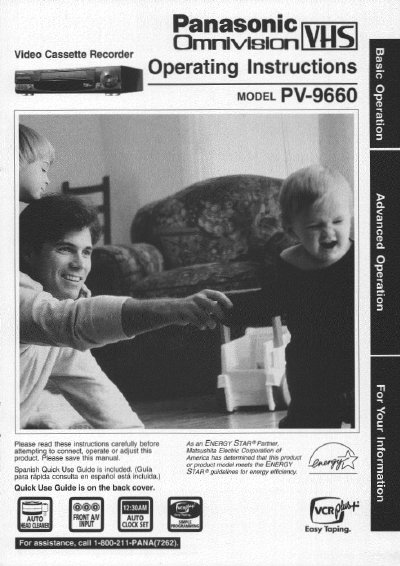
This manual provides operating instructions for the Panasonic PV-9660 Video Cassette Recorder. It includes safety precautions, basic setup steps, and instructions for connecting the unit to a TV and antenna or cable system. The document also details how to load batteries for the remote control and perform initial setup tasks such as setting the language and clock.
The guide covers various tape operation functions, including playback modes like slow motion and frame-by-frame, as well as recording features like one-touch recording and timer recording. It also explains how to use the VCR Plus+ system for programming recordings and describes special features such as channel captioning, time stamping, and head cleaning procedures.
| Model Number | PV-9660 |
|---|---|
| Product Type | Video Cassette Recorder |
| Remote Control Batteries | 3 "AAA" |
The remote control requires 3 "AAA" batteries.
The serial number is on the tag located on the back of the VCR.
Yes, the manual includes a section on using the VCR Plus+ System for programming.