
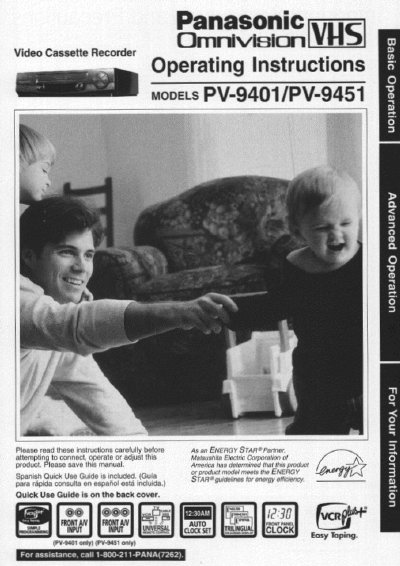
Panasonic PV-9401/9451 Video Cassette Recorder Operating Instructions


Panasonic PV-9401/9451 Video Cassette Recorder Operating Instructions - cover page
Brand
Panasonic
Category
Player
Document type
User Manual
Language
English
Pages
44
File format
PDF
File size
2 MB
Published
06 August, 2012
Updated
29 August, 2012
MD5 checksum
BB25191284DB7F1A01AAF3DDB0F6E698

About this manual

This manual provides operating instructions for the Panasonic Omnivision VHS Video Cassette Recorder models PV-9401 and PV-9451. It includes safety precautions, basic connections to TV and antenna/cable systems, and initial setup procedures such as language selection and clock setting.

The guide details various playback functions including slow motion, still picture, and frame-by-frame viewing. It also covers recording features like one-touch recording, timer recording, and the VCR Plus+ system for automatic programming.

What's inside

  • Important Safeguards and Precautions
  • Basic Connections (Antenna, VCR, TV)
  • One Time VCR Setup
  • Playback a Tape
  • Record On a Tape
  • Timer Recording
  • VCR Plus+ System
  • Copying Your Tapes
  • MTS Broadcast/Hi-Fi Stereo System
  • Special VCR Features

Specifications

Product TypeVideo Cassette Recorder
Supported ModelsPV-9401, PV-9451

Frequently asked questions

Is a Spanish guide included?

Yes, a Spanish Quick Use Guide is included with the product.

What type of batteries are required for the remote control?

The manual specifies using two 'AA' batteries.

How should RF coaxial cables be tightened during connection?

When using 'Nut type' RF coaxial cables, tighten them with fingers only to avoid damaging terminals.

Download PDF (2 MB)

More Panasonic Manuals


View all Panasonic manuals →