
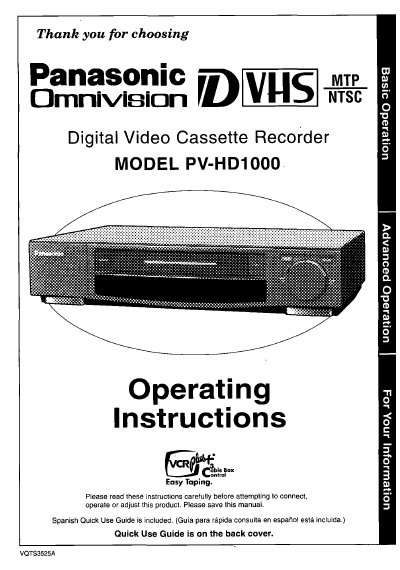
Panasonic PV-HD1000 Digital Video Cassette Recorder Operating Instructions


Panasonic PV-HD1000 Digital Video Cassette Recorder Operating Instructions - cover page
Brand
Panasonic
Category
Video Player
Document type
User Manual
Language
English
Pages
49
File format
PDF
File size
1.7 MB
Published
06 August, 2012
Updated
30 August, 2012
MD5 checksum
4D64CBBE44D3DF41D40DA5F181A0A959

About this manual

This manual provides operating instructions for the Panasonic PV-HD1000 Digital Video Cassette Recorder. It covers essential safety precautions, initial setup including battery loading and remote control usage, and basic connections for antennas and televisions. The guide also details advanced connection options and one-time setup procedures for cable boxes and channel memory.

What's inside

  • Important Safeguards and Precautions
  • Accessories
  • Loading the Batteries
  • Basic Connection
  • Advanced Connections
  • VHS Playback
  • VHS Recording
  • D-VHS Playback
  • D-VHS Recording
  • Timer Recording

Specifications

Product NameDigital Video Cassette Recorder
Battery Requirementfour batteries

Frequently asked questions

Where is the serial number located?

The serial number is on the tag located on the back of your D-VHS VCR.

Can I mix old and new batteries?

No, you should not mix old and new batteries or alkaline with manganese batteries.

What should I do if liquid is spilled into the unit?

Immediately unplug the unit and have it inspected by a service technician.

Download PDF (1.7 MB)

More Panasonic Manuals


View all Panasonic manuals →