
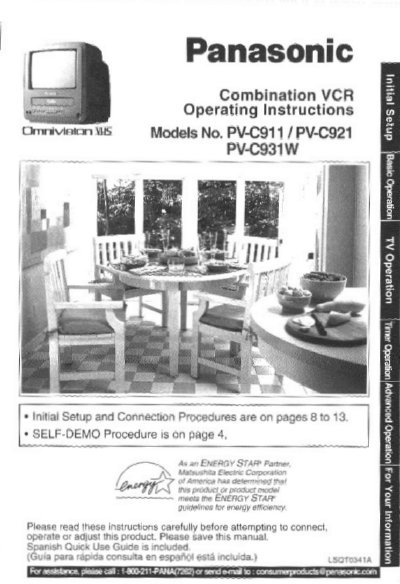
Panasonic PV-C911 Combination VCR Operating Instructions


Panasonic PV-C911 Combination VCR Operating Instructions - cover page
Brand
Panasonic
Category
Video Player
Document type
User Manual
Language
English
Pages
48
File format
PDF
File size
1.7 MB
Published
06 August, 2012
Updated
30 August, 2012
MD5 checksum
80026B1837A760853D17CC2710D241F7

About this manual

This manual provides operating instructions for the Panasonic PV-C911 Combination VCR. It includes initial setup procedures for antenna and cable connections, as well as instructions for using the device with a TV, VCR, or cable box. The document also covers special features such as the Closed Caption System and FM Radio.

What's inside

  • Important Safeguards and Precautions
  • Initial Setup for ANT. Cable Connection
  • Reset Language, Channels, Clock, Time Zone Adjust
  • Playback a Tape
  • Record ON a Tape
  • Copy Your Tapes (Dubbing)
  • TV Operation
  • Picture Adjustment
  • TV Timer Features
  • Closed Caption System

Frequently asked questions

How do I deactivate the SELF-DEMO Mode?

Press the PLAY/REPEAT button on the unit for 7 seconds while the power is ON.

Download PDF (1.7 MB)

More Panasonic Manuals


View all Panasonic manuals →