
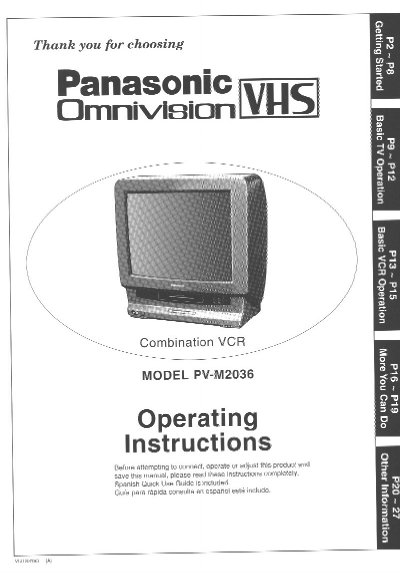
Panasonic PV-M2036 Combination VCR Operating Instructions


Panasonic PV-M2036 Combination VCR Operating Instructions - cover page
Brand
Panasonic
Category
Television
Document type
User Manual
Language
English
Pages
28
File format
PDF
File size
1.2 MB
Published
06 August, 2012
Updated
30 August, 2012
MD5 checksum
04BCF1BC13EB8D4C3AF412485689BF5C

About this manual

This document provides operating instructions for the Panasonic Omnivision PV-M2036 Combination VCR. It includes safety precautions regarding installation, ventilation, and electrical connections to prevent fire or shock hazards.

The guide details how to unpack the unit, perform one-time setup tasks such as language selection and channel memory, and operate both the television and VCR functions. It also covers advanced features like timer recording, closed captioning, tape copying, and special playback effects.

What's inside

  • Important Safeguards and Precautions
  • Unpacking Your Combination VCR and Features
  • Basic and Cable Connections
  • One Time Setup
  • On Screen Displays (OSD)
  • TV Operation
  • Picture Adjustment
  • TV Timer Features
  • Closed Caption System
  • Basic VCR Operation

Specifications

Product TypeCombination VCR
Model NumberPV-M2036

Frequently asked questions

What type of tapes should be used with this VCR?

Only use those tapes with the [VHS] mark.

Where is the serial number located on the unit?

The serial number is on the tag located on the back of your VCR.

Can this unit be used with existing VHS equipment?

Yes, it is compatible with existing VHS equipment using HQ (High Quality) System tapes.

Download PDF (1.2 MB)

More Panasonic Manuals


View all Panasonic manuals →