
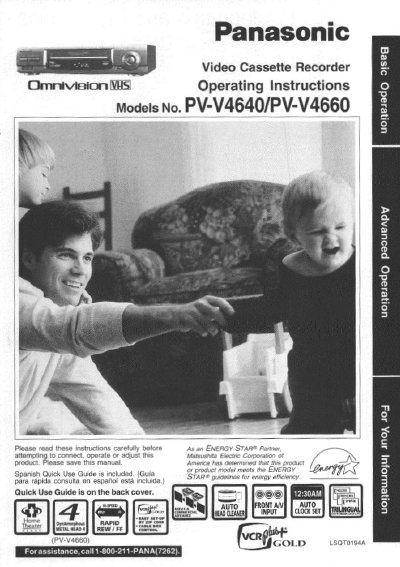
Panasonic PV-V4640 VCR Operating Instructions


Panasonic PV-V4640 VCR Operating Instructions - cover page
Brand
Panasonic
Category
Player
Document type
User Manual
Language
English
Pages
56
File format
PDF
File size
2.4 MB
Published
06 August, 2012
Updated
30 August, 2012
MD5 checksum
BD809F5600D1623DAC7A3040AF1D6C34

About this manual

This manual provides operating instructions for the Panasonic PV-V4640 Video Cassette Recorder. It includes safety precautions, basic connections for antennas and TVs, and one-time setup procedures for language, output channels, and clock settings.

The guide details how to play tapes with various functions such as still pictures, slow motion, and frame-by-frame viewing. It also explains recording features including one-touch recording, timer recording, and the VCR Plus+ system for automatic scheduling.

What's inside

  • Important Safeguards
  • Basic Connections
  • One Time Setup
  • Playback Functions
  • Recording Features
  • Timer Recording
  • VCR Plus+ System
  • MTS Broadcast
  • Special VCR Features
  • Specifications

Specifications

Product TypeVideo Cassette Recorder
Compatible Tape FormatVHS

Frequently asked questions

Is a Spanish guide included?

Yes, a Spanish Quick Use Guide is included with the product.

Where can I find assistance contact information?

You can call 1-800-211-PANA(7262) for assistance.

Download PDF (2.4 MB)

More Panasonic Manuals


View all Panasonic manuals →