
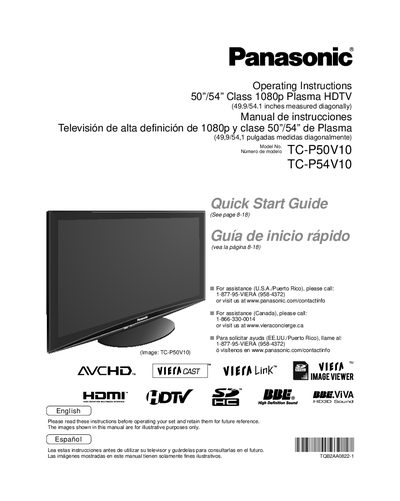
Panasonic TC-P50V10/TC-P54V10 Plasma HDTV Operating Instructions


Panasonic TC-P50V10/TC-P54V10 Plasma HDTV Operating Instructions - cover page
Brand
Panasonic
Category
Television
Document type
User Manual
Language
English
Pages
68
File format
PDF
File size
3.4 MB
Published
03 August, 2012
Updated
29 September, 2023
MD5 checksum
DFA42AAFE28E7474759E24CD8BC61D6D

About this manual

This document serves as the Operating Instructions for the Panasonic TC-P50V10 and TC-P54V10 50/54-inch Class 1080p Plasma HDTV. It provides comprehensive guidance for users on setting up the device, connecting it to other equipment, and utilizing its various multimedia features such as VIERA Link and VIERA CAST. The manual includes detailed sections on safety precautions, basic and advanced features, and troubleshooting.

What's inside

  • Safety Precautions
  • Quick Start Guide
  • Accessories/Optional Accessory
  • Basic Connection
  • Identifying Controls
  • First Time Setups
  • Watching TV
  • Using VIERA TOOLS
  • Network setting
  • Specifications

Specifications

Screen Size50/54" Class
Resolution1080p
Physical Dimensions (Diagonal)49.9/54.1 inches
Model NumbersTC-P50V10, TC-P54V10

Frequently asked questions

How can I reduce the risk of electric shock?

Do not remove cover or back, as there are no user-serviceable parts inside. Refer servicing to qualified service personnel.

Where can I find assistance in the U.S.A.?

Call 1-877-95-VIERA (958-4372) or visit www.panasonic.com/contactinfo.

Download PDF (3.4 MB)

More Panasonic Manuals


View all Panasonic manuals →