
This is the operating instructions for Panasonic 50”/54” Class 1080p Plasma HDTV (49.9/54.1 inches measured diagonally). It introduces the features and operation methods of the TV.
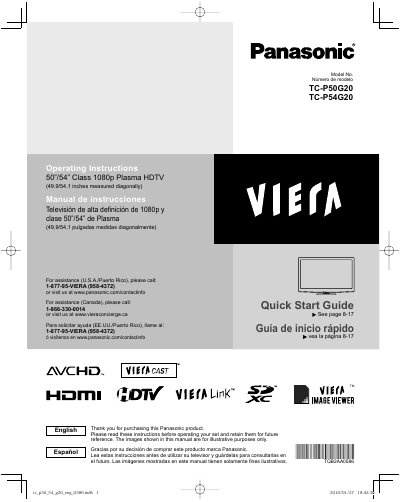
This document serves as a Quick Start Guide for the Panasonic TC-P50G20 and TC-P54G20 Class 1080p Plasma High Definition Televisions. It provides essential safety precautions, installation warnings regarding wall mounting, and instructions for initial setup.
The guide covers basic features such as watching TV, using VIERA TOOLS, viewing content with VIERA IMAGE VIEWER, and connecting external devices like DVD players and PCs via HDMI. It also outlines advanced menu functions, network settings, channel editing, timer usage, and care instructions.
| Screen Size (Diagonal) | 49.9/54.1 inches |
|---|---|
| Resolution | 1080p |
No, two or more people are required to install or remove the television.
The television measures 49.9 inches for the TC-P50G20 model and 54.1 inches for the TC-P54G20 model when measured diagonally.
Two or more people are required to safely install or remove the television.