
This manual provides instructions on how to operate the Panasonic TC-P50V10 and TC-P54V10 50”/54” Class 1080p Plasma HDTV
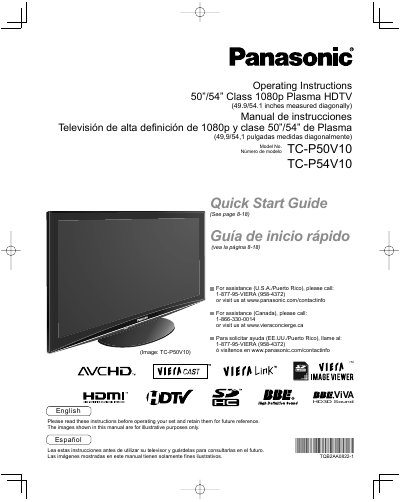
This document serves as the operating instructions manual for the Panasonic TC-P50V10 and TC-P54V10 Class 1080p Plasma High Definition Televisions. It provides guidance on safety precautions, initial setup steps, and basic connections to various multimedia devices such as camcorders, personal computers, and home theater systems.
The manual details how to utilize advanced features including VIERA Link, HDAVI Control, and network settings for displaying PC screens or streaming content via VIERACAST. It also covers menu functions for adjusting picture and sound quality, channel editing, closed captioning, and timer usage.
| Screen Size Class | 50/54 inch Class |
|---|---|
| Resolution | 1080p |
| Physical Dimensions (Diagonal) | 49.9/54.1 inches |
Call 1-877-95-VIERA (958-4372) or visit www.panasonic.com/contactinfo.
The TV measures 49.9 inches for the TC-P50V10 model and 54.1 inches for the TC-P54V10 model when measured diagonally.
This television is a 1080p class model designed for high-definition multimedia viewing.
You must refer all servicing to qualified service personnel when the apparatus has been damaged in any way.