
This is the owner's manual of a 55”/65” Class 1080p Plasma HDTV, it includes the product's usage instructions, function introduction, maintenance and maintenance
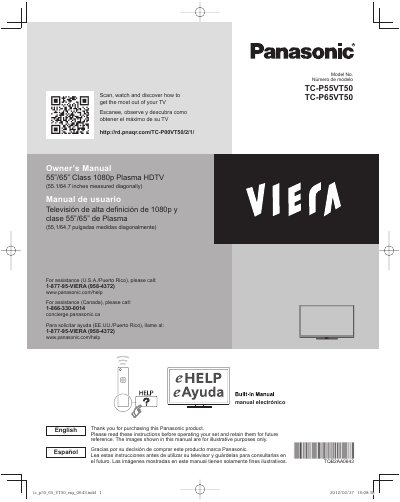
This document is a user guide for the Panasonic TC-P55VT50 and TC-P65VT50 Class 1080p Plasma High Definition Televisions. It provides instructions on initial setup, including connecting accessories and configuring the built-in eHELP manual system. The guide also details how to view 3D images using compatible glasses.
| Screen Class/Size | 55" / 65" Class |
|---|---|
| Resolution | 1080p |
| Screen Type | Plasma |
Do not display a still picture for a long time, as this causes the image to remain on the plasma screen. The screen saver is automatically activated after a few minutes if no signals are sent.
No, do not route the TV's power cord inside the wall as it was not designed for in-wall mounting and can lead to a fire hazard.