
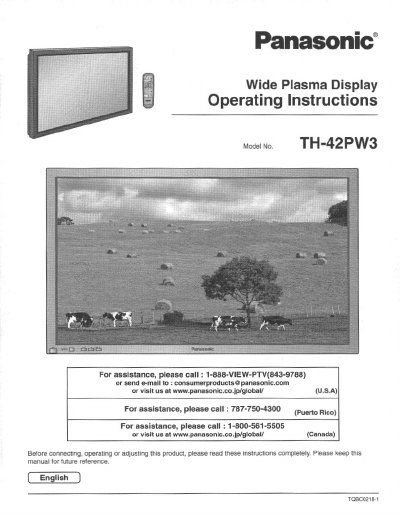
Panasonic TH-42PW3U Wide Plasma Display Operating Instructions


Panasonic TH-42PW3U Wide Plasma Display Operating Instructions - cover page
Brand
Panasonic
Category
Television
Document type
User Manual
Language
English
Pages
36
File format
PDF
File size
1.6 MB
Published
03 August, 2012
Updated
30 August, 2012
MD5 checksum
F93C8365943E0E1BBD14CF06AD9986BE

About this manual

This document provides operating instructions for the Panasonic TH-42PW3U Wide Plasma Display. It includes important safety information regarding electrical shock and ventilation requirements before connecting or using the device.

The manual guides users through basic controls, connecting various input terminals such as AV, Tuner, Component/RGB, PC, and Serial ports. It also details how to power on/off the unit, select input signals, access the on-screen menu, and adjust picture and sound settings.

What's inside

  • Important Safety Instructions
  • Accessories Supplied
  • Basic Controls
  • Connections (AV Input)
  • Connections (Tuner Input)
  • Connections (Component/RGB Input)
  • Power ON/OFF
  • Selecting the Input Signal
  • On-Screen Menu Display
  • PICTURE Adjustments

Specifications

Product TypeWide Plasma Display
Model NumberTH-42PW3U

Frequently asked questions

How should I clean the product?

Unplug the product from the wall outlet before cleaning and use a damp cloth; do not use liquid cleaners or aerosol cleaners.

Where should I place the product?

Do not place the product on an unstable cart, stand, pedestal, bracket, or table to prevent it from falling.

Download PDF (1.6 MB)

More Panasonic Manuals


View all Panasonic manuals →