
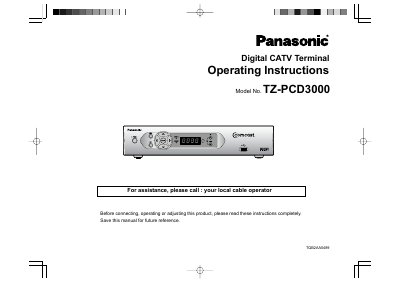
This is the operating instructions booklet for the Panasonic Digital CATV Terminal, model TZ-PCD3000 (printed on the cover as "Model No. 1Z-PCD3000"). It opens with important safety instructions, notes on outdoor antenna grounding, ventilation and the polarized AC power cord, and then describes the front panel controls and indicators and the rear panel connections, including CABLE IN/OUT, digital audio coax and optical outputs, audio and video outputs, S-VIDEO, USB, IR blaster, serial port and the AC switched outlet.
A connection diagram shows how to hook the terminal up to a stereo TV and stereo VCR using S-VIDEO and left/right audio cables. The booklet also covers care and cleaning, optional external equipment and cable selection, and includes an FCC interference statement, a declaration of conformity, a Macrovision copyright notice and trademark acknowledgements.
| AC Switched Outlet | 120 V AC, 60 Hz, 5A |
|---|---|
| Digital audio coax output | Dolby Digital (up to 5.1ch) or PCM audio |
| Recommended video cable | 75 ohm coaxial shielded wire |
| AUDIO OUT1 | For TV, variable volume |
The cover lists it as Model No. 1Z-PCD3000, and the front panel description refers to the unit as the TZ-PCD3000.
Connect an S-VIDEO cable from the S-VIDEO output jack to the S-VIDEO input on the TV or VCR, then connect the left and right audio output jacks to the left and right audio input jacks.
It is used for the power cord plug of another component such as a TV, within 120 V AC, 60 Hz, 5A.
The coaxial S/PDIF connector carries Dolby Digital (up to 5.1ch) audio or PCM audio.