
This manual introduces the basic operating methods of the DMR-E60 recorder, including connection, operation, and adjustment.
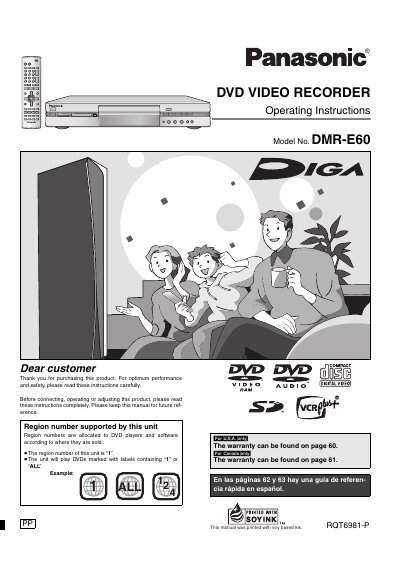
This manual provides operating instructions for the Panasonic DMRE-60P DVD Video Recorder. It details how to use the unit's various functions, including recording high-quality video onto DVD-RAM discs using DV input or other sources, editing recordings with play lists, and playing back audio CDs, Video CDs, MP3 files, and still pictures.
The document also covers safety precautions, such as handling laser radiation and ventilation requirements, along with troubleshooting tips for common issues like recording errors or playback problems. It explains how to finalize discs for standard DVD-Video compatibility and manage disc regions.
The region number of this unit is '1'. It will play DVDs marked with labels containing '1' or 'ALL'.
Using a double sided, 9.4 GB DVD-RAM allows you to record a maximum of 12 hours (6 hours continuously).
Yes, the unit can play MP3 files recorded on CD-R and CD-RW, as well as DVD-RAM, DVD-R, DVD-Audio, Video CDs and CDs.