
Panasonic DMR-E100H DVD Recorder Operating Instructions

This manual provides detailed instructions on how to use the Panasonic DMR-E100H DVD recorder.
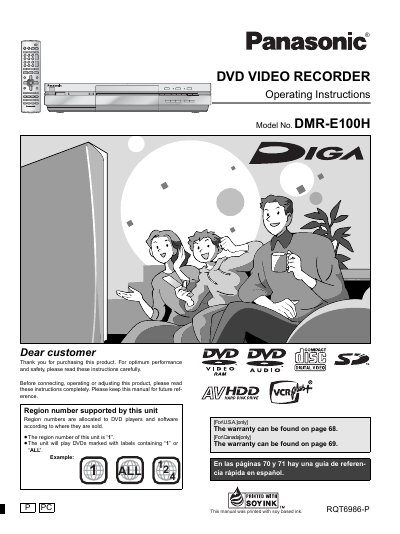

Panasonic DMR-E100H DVD Recorder Operating Instructions - cover page
Brand
Panasonic
Category
Optical drive
Document type
User Manual
Language
English
Pages
72
File format
PDF
File size
2.6 MB
Published
03 August, 2012
Updated
30 September, 2023
Model
DMR-E10
MD5 checksum
5739D2E2CB744DB6415B26D5D92D694A

About this manual

This manual provides operating instructions for the Panasonic DMR-E100H DVD Video Recorder. It details how to use the unit's region code (Region 1), connect it safely, and operate various functions including timer recording, editing, and playback of multiple disc formats like DVD-RAM, DVD-R, and CD. The document also includes safety warnings regarding laser radiation and electrical shock.

What's inside

  • Getting started
  • Safety Instructions
  • Recording to HDD
  • Recording to DVD-RAM
  • Playback Features
  • Editing and Dubbing
  • Timer Recording
  • Warranty Information

Frequently asked questions

What region number does this unit support?

The region number of this unit is '1'. It will play DVDs marked with labels containing '1' or 'ALL'.

What is the maximum recording time on the HDD?

The unit has a 120 GB hard disk capable of recording a maximum of 160 hours.

What is the maximum recording time on DVD-RAM?

Using a double sided, 9.4 GB DVD-RAM allows you to record a maximum of 12 hours.

Can this unit play MP3 files?

Yes, it can play MP3 files recorded on CD-R and CD-RW, as well as other disc formats.

Download PDF (2.6 MB)

More Panasonic Manuals


View all Panasonic manuals →