
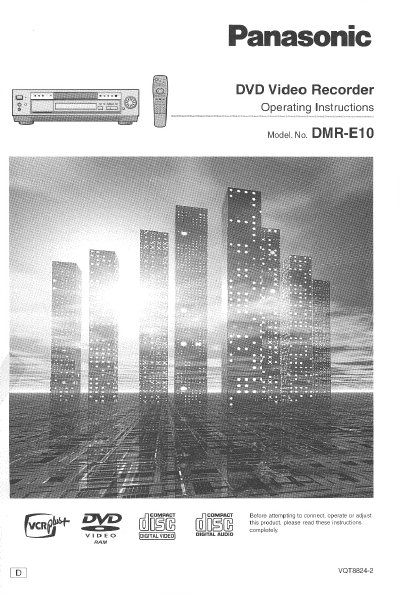
Panasonic DMR-E10 DVD Video Recorder Operating Instructions


Panasonic DMR-E10 DVD Video Recorder Operating Instructions - cover page
Brand
Panasonic
Category
Optical drive
Document type
User Manual
Language
English
Pages
144
File format
PDF
File size
4.8 MB
Published
03 August, 2012
Updated
03 August, 2012
Model
DMR-E10
MD5 checksum
66D08CA0E469AA0876A05DF93A2DB6A3

About this manual

This document provides operating instructions for the Panasonic DMR-E10 DVD Video Recorder. It details safety precautions, front and rear panel controls, and remote control functions. The guide covers basic connections, disc preparation, and various playback modes including pause, frame advance, and slow playback.

What's inside

  • Safety information
  • Front panel controls
  • Rear panel connections
  • Remote control functions
  • Playing discs
  • Using the menu
  • Recording TV programs
  • Timer Recordings
  • Initial Settings
  • Troubleshooting

Specifications

Power SupplyAC 120V, 60Hz
Laser TypeVisible Laser Beam

Frequently asked questions

Where can I find the model and serial numbers?

The model number and serial number can be found on either the back or the bottom of the recorder.

Can I repair the recorder myself?

No, you should not open covers or repair the unit yourself; servicing must be referred to qualified personnel.

Download PDF (4.8 MB)

More Panasonic Manuals


View all Panasonic manuals →