
This document is the operating instructions of AG-VP320 DVD/VCR DECK, which mainly introduces the connection and initial setup of the product
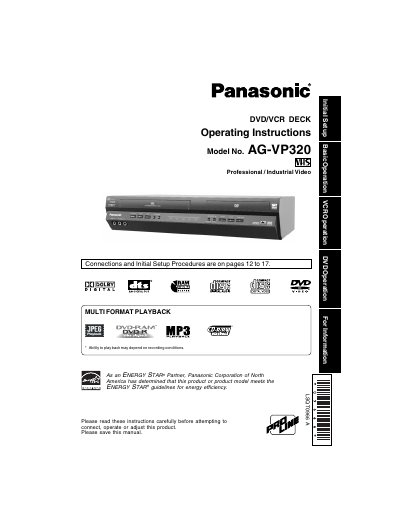
This document provides operating instructions for the Panasonic AG-VP320, a professional and industrial video deck supporting both VHS and DVD formats. It details initial setup procedures, connection methods, and specific capabilities such as multi-format playback and Energy Star compliance.
The manual includes comprehensive safety precautions regarding power sources, ventilation, antenna installation, and laser radiation hazards. It also outlines guidelines for cleaning the unit, proper placement to avoid temperature extremes, and instructions on when to seek qualified service assistance.
| Supported Formats | VHS and DVD (including DVD-RAM) |
|---|---|
| Region Code | 1 |
The Region number for this DECK is "1".
Yes, but ensure it has either a polarized or grounded plug and that the cords can be securely connected.
Immediately unplug the unit and have it inspected by a service technician.