
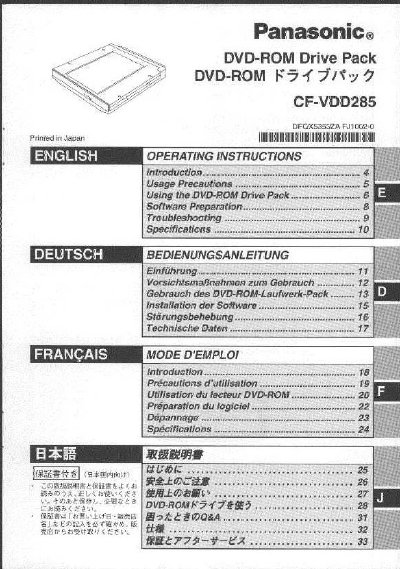
Panasonic CF-VDD285 DVD-ROM Drive Pack Operating Instructions


Panasonic CF-VDD285 DVD-ROM Drive Pack Operating Instructions - cover page
Brand
Panasonic
Category
Laptops
Document type
User Manual
Language
English
Pages
36
File format
PDF
File size
1.1 MB
Published
03 August, 2012
Updated
31 August, 2012
MD5 checksum
58F71FD6F95384FCCB210159E8251CE9

About this manual

This manual provides operating instructions for the Panasonic CF-VDD285 DVD-ROM Drive Pack, designed for use with Panasonic CF-27L/CF-28 series notebook computers. The device connects via the Multimedia Pocket and includes guidance on safe usage, disc handling, and power-saving features.

What's inside

  • Usage Precautions
  • Using the DVD-ROM Drive Pack
  • Setting a Disc
  • Software Preparation
  • Troubleshooting
  • Specifications

Frequently asked questions

What operating systems are supported by this manual?

This manual explains procedures for Microsoft Windows 2000 Professional, Windows XP Professional, and Windows 98 Second Edition.

How long does it take for data to be read after the drive restarts?

Approximately 30 seconds are required until data is actually read from the disc after the drive motor turns on.

Download PDF (1.1 MB)

More Panasonic Manuals


View all Panasonic manuals →