
Analog Devices VisualDSP++ 4.5 Installation Quick Reference Card

This document is a W4.5 installation instructions, which introduces the installation steps and system requirements of W4.5 in detail
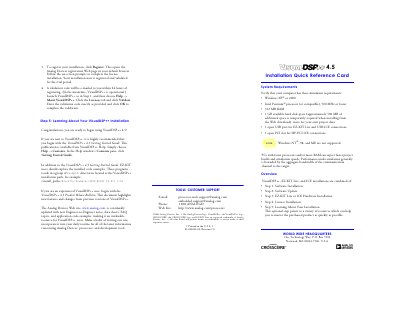

Analog Devices VisualDSP++ 4.5 Installation Quick Reference Card - cover page
Brand
Analog Devices
Document type
Quick Start Guide
Language
English
Pages
2
File format
PDF
File size
86 KB
Published
03 August, 2012
Updated
30 September, 2023
MD5 checksum
42DD8F956E7FC8861696F798A68E2680

About this manual

This document serves as a quick installation guide for the VisualDSP++ 4.5 integrated development environment (IDE). It outlines minimum system requirements, including Windows XP or 2000 operating systems and specific processor speeds. The guide details the process of installing the software via Web download or CD/DVD media.

What's inside

  • System Requirements
  • Software Installation
  • Software Update
  • EZ-KIT Lite Hardware Installation
  • HP-PCI ICE Installation
  • License Installation
  • Register and Validate License

Frequently asked questions

What are the minimum system requirements for VisualDSP++ 4.5?

The software requires Windows XP or 2000, an Intel Pentium processor (or compatible) at 500 MHz or faster, and 512 MB of RAM.

What is the difference between a KIT license and an ADI license?

A KIT license grants 10 days to register, followed by 90 days of full evaluation. An ADI license allows 30 days to register for permanent use.

Can I install VisualDSP++ before connecting my hardware?

Yes, you must install the software before connecting any hardware such as an EZ-KIT Lite or emulator.

Download PDF (86 KB)

More Analog Devices Manuals


View all Analog Devices manuals →