
Sharp LC-15M4U LCD AV Monitor Operation Manual

Instructions for using liquid crystal displays
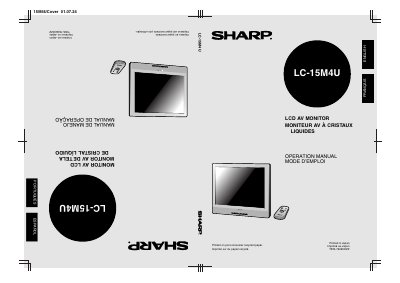

Sharp LC-15M4U LCD AV Monitor Operation Manual - cover page
Brand
Sharp
Category
Television
Document type
User Manual
Language
English
Pages
29
File format
PDF
File size
1.1 MB
Published
03 August, 2012
Updated
30 September, 2023
Model
LC15M4U
MD5 checksum
B9EADFF8FBFE179E5082DE59A4E1D1BC

About this manual

The document is the English operation manual for the Sharp LC-15M4U LCD AV Monitor. It includes important safety information regarding electricity, moisture, and servicing, as well as a list of supplied accessories.

The guide covers basic operations such as turning on the main power, switching AV inputs, adjusting sound volume, and navigating menus. It also details how to adjust language and picture settings, set up sleep timers, and connect external devices like VCRs or DVD players via AV or Component terminals.

What's inside

  • IMPORTANT SAFETY PRECAUTIONS
  • SUPPLIED ACCESSORIES
  • PREPARATION
  • Power Connection
  • Batteries for Remote Control
  • NAMES OF PARTS (Main Unit)
  • Turning on MAIN POWER
  • Switching the AV INPUT
  • Sound Volume ON/OFF Standby
  • SELECTING THE MENU

Specifications

Panel TypeLCD
Model NumberLC-15M4U

Frequently asked questions

What should I do if the product displays an abnormal condition?

Unplug the power cord and request a qualified service person to perform repairs.

Can I use attachments not recommended by the manufacturer?

No, using inadequate attachments can result in accidents.

Download PDF (1.1 MB)

More Sharp Manuals


View all Sharp manuals →