
Sharp LC-M3700/LC-M3710 Wide LCD Monitor Operation Manual

This manual describes the operation of the LC-M3700/LC-M3710 wide LCD monitor.
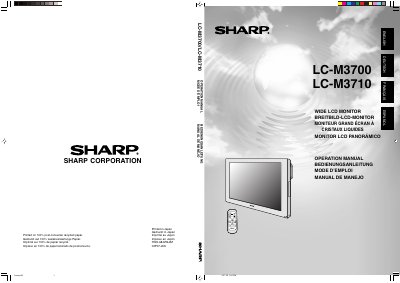

Sharp LC-M3700/LC-M3710 Wide LCD Monitor Operation Manual - cover page
Brand
Sharp
Category
Television
Document type
User Manual
Language
English
Pages
73
File format
PDF
File size
3.9 MB
Published
03 August, 2012
Updated
30 September, 2023
MD5 checksum
BFA201AB829ED218C57670BFACFA2C0E

About this manual

This document is the Operation Manual for the Sharp LC-M3700 and LC-M3710 Wide LCD Monitors. It covers essential safety precautions, product features, and detailed instructions on how to operate the unit using the main controls and the remote control unit. The guide also explains how to connect peripheral equipment, including external speakers and multiple monitors, and how to mount the device.

What's inside

  • Safety Precautions
  • Features
  • Part Names - Display
  • Connection and Installation
  • Basic Operation
  • Menu Items
  • PC Operation
  • Settings and Adjustments
  • Troubleshooting
  • Specifications

Frequently asked questions

What is the product and what type of device is it?

This manual covers the Sharp LC-M3700/LC-M3710, which are wide LCD monitors.

Where on the product can the model and serial numbers be found?

The model and serial numbers are located in the rear of the product to aid reporting if lost or stolen.

What specific safety precaution is required when cleaning the monitor?

You must unplug the power cord from the AC outlet before cleaning the product with a damp cloth.

Download PDF (3.9 MB)

More Sharp Manuals


View all Sharp manuals →