
As an ENERGY STAR® Partner, SHARP has determined that this product meets the ENERGY STAR® guidelines for energy efficiency. ENERGY STAR® is a U.S. registered trademark. COLOR TELEVISION MODEL 20F630 L OPERATION MANUAL.
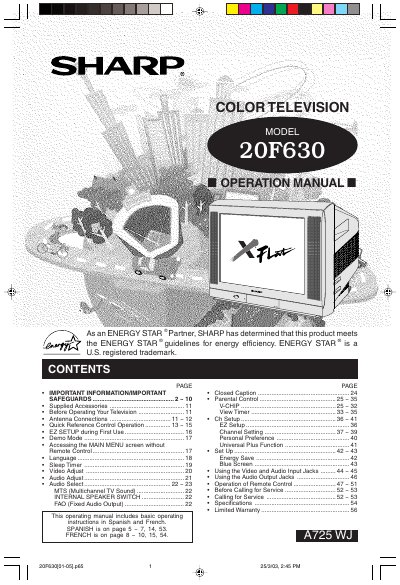
Welcome to the SHARP Family. This operation manual is designed to help you adjust the picture and sound of your new SHARP Color Television set to your personal viewing preference. The document covers essential information including safety precautions, warranty registration, and initial setup steps.
The guide details how to use the remote control, access various menu functions such as EZ SETUP, Video Adjust, and Audio Select, and connect external devices like antennas or VCRs. It also includes specific instructions for Spanish and French users found within the text.
| Dimensions | 140mm x 215mm |
|---|
The model number for this unit is 20F630.
Both the model and serial numbers are located at the rear of the TV.
The dimensions of the television are 140mm x 215mm.