
This manual introduces the use of the SHARP scientific calculator EL-506W/546W, including operating instructions, calculation examples, and maintenance tips.
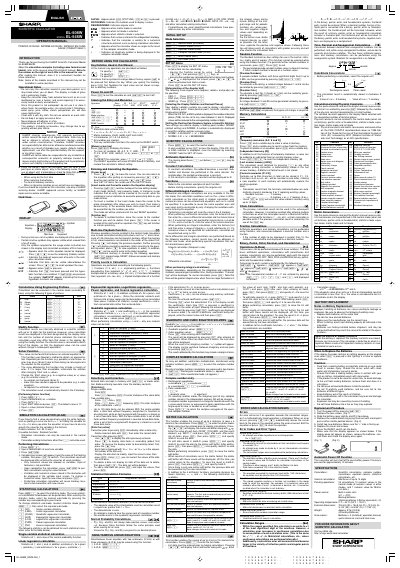
This manual provides instructions for the Sharp EL-506W scientific calculator, including operational notes, key notation, and initial setup procedures. It details how to turn the device on and off, clear entries and memories, and configure settings such as angular units and display notation.
You should press the RESET switch only when using the calculator for the first time, after replacing batteries, to clear all memory contents, or when an abnormal condition occurs and all keys are inoperative.
Pressing the RESET switch erases all data stored in memory and restores the calculator's default setting.
A maximum of 142 characters can be stored in the equation memory.
If a numerical value is not specified for subintervals, calculation will be performed using n=100.