
This is the user guide for ADN2850 digital rheostat evaluation board from Analog Devices. The evaluation board includes multiple test circuits and can be controlled by PC.
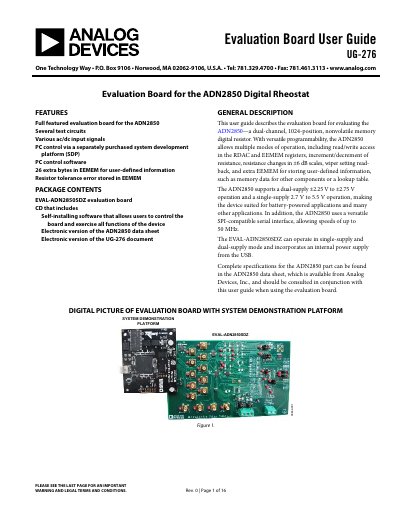
This document is the user guide for the EVAL-ADN2850SDZ evaluation board, designed to evaluate the ADN2850 dual-channel, 1024-position, nonvolatile memory digital resistor. The board supports various test circuits, including pseudo-logarithmic and pseudo-antilogarithmic DACs, a signal amplifier, and current monitoring, with inputs for AC/DC signals.
| Device Type | Dual-channel, 1024-position, nonvolatile memory digital resistor |
|---|---|
| Interface Speed | Up to 50 MHz |
| Operating Voltage (Single Supply) | 2.7 V to 5.5 V |
| Operating Voltage (Dual Supply) | ±2.25 V to ±2.75 V |
| Extra EEMEM Bytes | 26 |
The software is compatible with Windows XP, Windows Vista, and Windows 7 (both 32 and 64 bits).
Insert the CD, run setup.exe if it does not open automatically, power up the board, connect the SDP board to the PC via USB, and follow the on-screen instructions.
The TOLERANCE section displays the stored tolerance of the RDAC1 internal resistor.