
Proxima DP9270 Desktop Projector User Manual

This is a manual for the use of a projector. It introduces the basic use methods and precautions of the projector
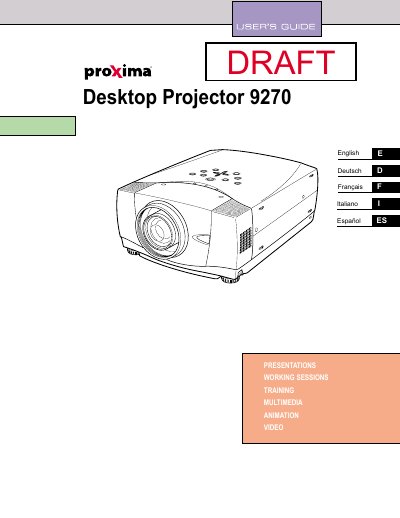

Proxima DP9270 Desktop Projector User Manual - cover page
Brand
Proxima
Category
Projector
Document type
User Manual
Language
English
Pages
46
File format
PDF
File size
1.2 MB
Published
02 August, 2012
Updated
01 October, 2023
MD5 checksum
B43308FC1B7F7FABE2DEDA8F3D25B1A0

About this manual

This document serves as the user guide for the Proxima DP9270 Desktop Projector. It covers safety precautions, features, and design details to ensure proper usage and longevity of the device. The manual includes specific instructions for setting up the projector, connecting it to various computer and video systems, and adjusting the image for optimal viewing.

What's inside

  • Features and Design
  • Preparing the Projector
  • Setting Up the Projector
  • Connecting to Computer
  • Connecting to Video Equipment
  • Operating the Remote Control
  • Picture Image Adjustment
  • Maintenance and Lamp Replacement
  • Troubleshooting
  • Technical Specifications

Frequently asked questions

What safety precaution is required regarding the projector's ventilation slots?

Do not cover the ventilation slot on the projector, as heat build-up can reduce the service life and be dangerous.

What cleaning method is recommended for the projector?

Unplug the projector before cleaning and use a damp cloth; do not use liquid or aerosol cleaners.

When should the projector be unplugged from the power outlet?

Unplug the projector if it is not to be used for an extended time or during a lightning storm.

Download PDF (1.2 MB)

More Proxima Manuals


View all Proxima manuals →