
This is a user manual of HP 9290 projector, which introduces the usage of projector and precautions
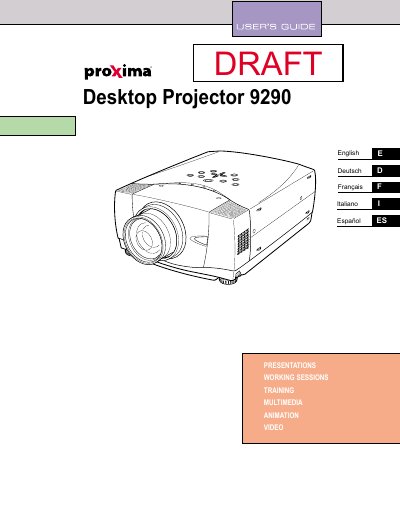
The Proxima DP9290 is a desktop projector designed to display images from various computer systems and video equipment. This guide covers safety precautions, physical setup including positioning and ventilation requirements, and connection methods for both computer and video sources.
The manual details the operation of the projector's on-screen menu system, remote control functions, and image adjustment features such as focus, keystone correction, and lens shift. It also includes sections on basic maintenance tasks like air filter cleaning, lamp replacement procedures, and troubleshooting common issues.
You must maintain a minimum distance of 50cm on the top and 80cm on the sides and rear to allow for air circulation.
The laser pointer function emits a beam for 1 minute when the LASER button is pressed.
You should use a damp cloth for cleaning and avoid using liquid or aerosol cleaners.