
The Pro AV 9350 is a multifunctional projector that is suitable for presentations, working sessions, training, multimedia, animation and video.
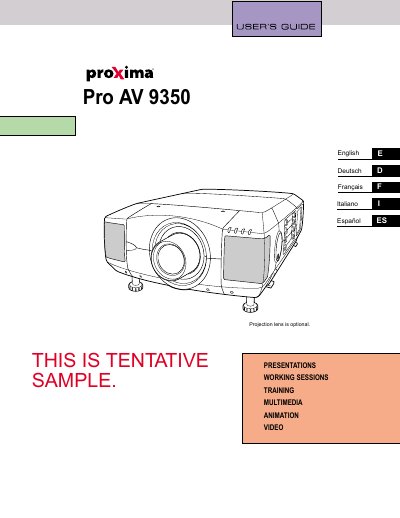
The Proxima Pro AV 9350 is a multimedia projector designed for presentations, working sessions, training, animations, video, and other visual displays. This manual provides essential safety precautions regarding ventilation, laser beams, and electrical hazards to ensure safe operation and extend the product's service life.
| Application | Presentations, Working Sessions, Training, Multimedia, Animation, Video |
|---|---|
| Compliance Class | Class A digital device |
Read the manual again, check operations and cable connections, try solutions in the 'Trouble-shooting' section, or contact the sales dealer.
No. Do not remove the cover as there are no user-serviceable parts inside except for lamp replacement.
Eye damage could result. Be especially careful that children do not stare directly into the beam.