
This is a user manual for PLC Demo System product
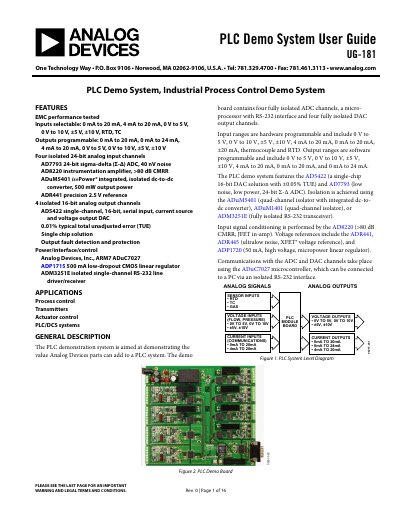
The Analog Devices UG-181 PLC Demo System is a demonstration board designed to showcase the value of Analog Devices parts in PLC systems. It features four fully isolated 24-bit analog input channels and four fully isolated 16-bit analog output channels, along with a microprocessor and RS-232 interface. The system supports various input ranges including voltage, current, thermocouple, and RTD, with hardware programmable settings.
| Analog Input Channels | Four isolated 24-bit analog input channels |
|---|---|
| Analog Output Channels | 4 isolated 16-bit analog output channels |
| ADC Chip | AD7793 24-bit sigma-delta (Z-A) ADC |
| Noise Performance | 40 nV noise |
| Microcontroller | Analog Devices, Inc., ARM7 ADuC7027 |
| Operating System Compatibility | Windows 2000 and Windows XP |
The PLC software allows the user to connect J-, K-, and T-type thermocouples.
The demo board must be powered by a 24 V dc, +10%, 500 mA supply connected via the JP2 socket.
The PLC demo system hardware comes with a T-type thermocouple for connection to Channel 2.
The system includes a PT1000 RTD temperature sensor intended for use with Channel 4.