
Sharp EL-1192BL Electronic Printing Calculator Operation Manual

This document is the operation manual for EL-1192BL
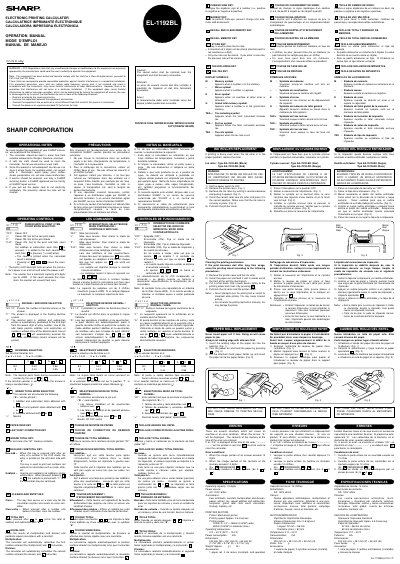

Sharp EL-1192BL Electronic Printing Calculator Operation Manual - cover page
Brand
Sharp
Category
Other Electronics
Document type
User Manual
Language
English
Pages
2
File format
PDF
File size
225 KB
Published
02 August, 2012
Updated
30 September, 2023
MD5 checksum
331D47439BABF0959D1AB41CC7DE7472

About this manual

This document serves as the operation manual for the Sharp EL-1192BL electronic printing calculator. It provides instructions on using the device's operational controls, including the power switch, print/item count mode, decimal/add mode, rounding selector, and grand total mode. The manual also details the functions of various keys such as the paper feed key, last digit correction key, and total key.

What's inside

  • Operational Notes
  • Operational Controls
  • Power Switch
  • Print/Item Count Mode
  • Decimal/Add Mode
  • Rounding Selector
  • Grand Total Mode
  • Paper Feed Key
  • Last Digit Correction Key
  • Total Key

Frequently asked questions

What happens to the stored tax rate if you pull out the power cord?

The presently stored tax rate will be cleared.

What is the maximum capacity of the item counter?

The counter has a maximum capacity of 3 digits, up to ±999.

What should you use to clean the calculator?

You should use a soft, dry cloth to clean the calculator.

Download PDF (225 KB)

More Sharp Manuals


View all Sharp manuals →